
Mobile Scanner
Version 2.0.0
Turn your phone into a wireless scanner for your PC. Scan barcodes, QR codes, and documents with your phone's camera and send results straight to your computer over local Wi-Fi — no cables, browser extensions, or complicated setup. Pair in seconds by scanning the QR code shown on your PC, then scan labels, packages, inventory tags, orders, or documents and watch every result appear in the active window — ideal for warehouses, POS, inventory, and everyday office work.
Browsers may show a security warning for new software. This happens because NierX is a new publisher.
Scan on your phone. Work on your PC.
Install and pair
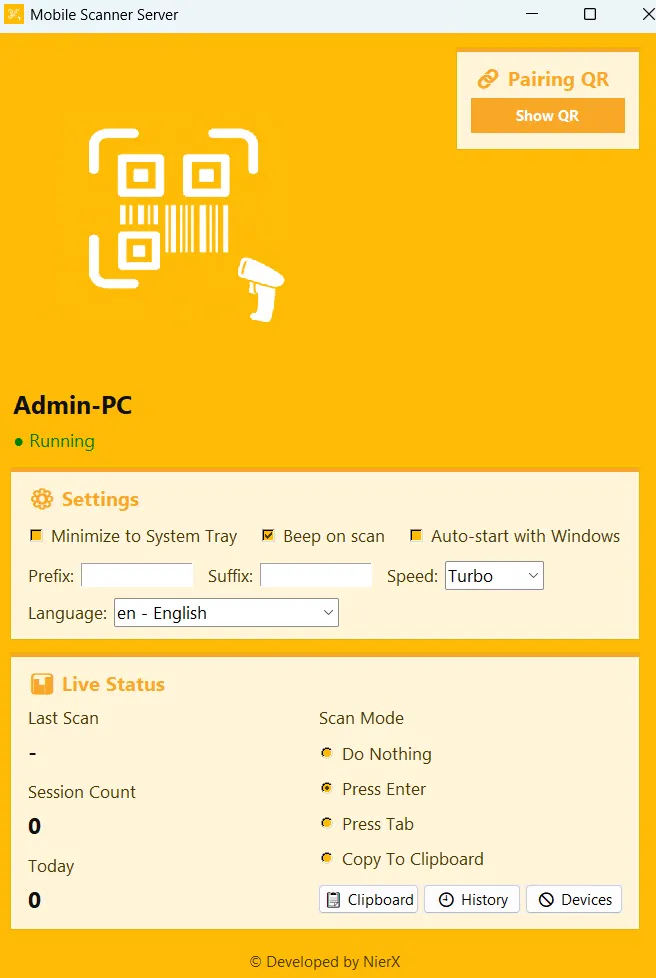
Run the PC server on Windows and install the Android app, then scan the pairing QR code on your PC to connect both devices over local Wi-Fi.
Scan with your phone
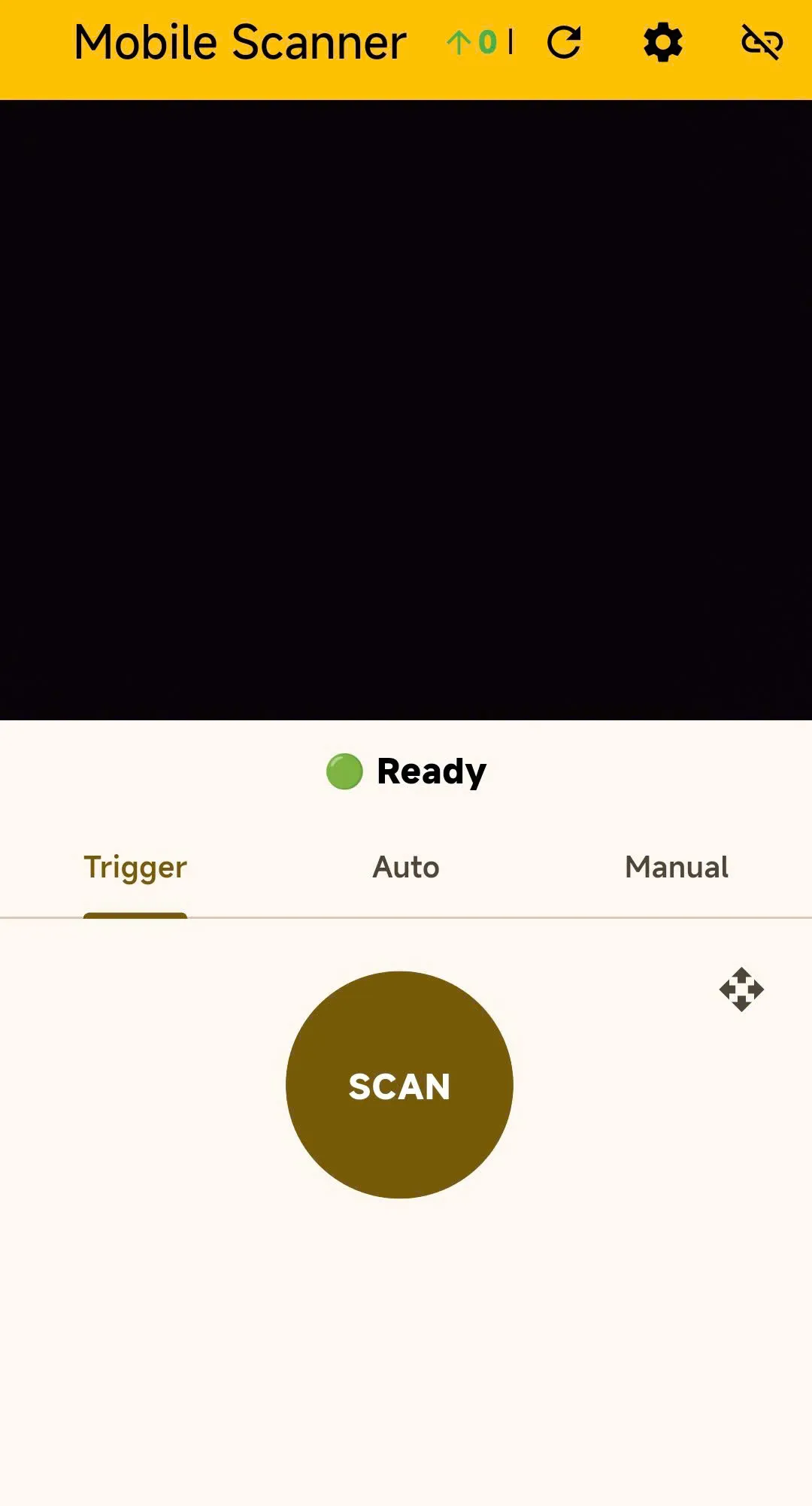
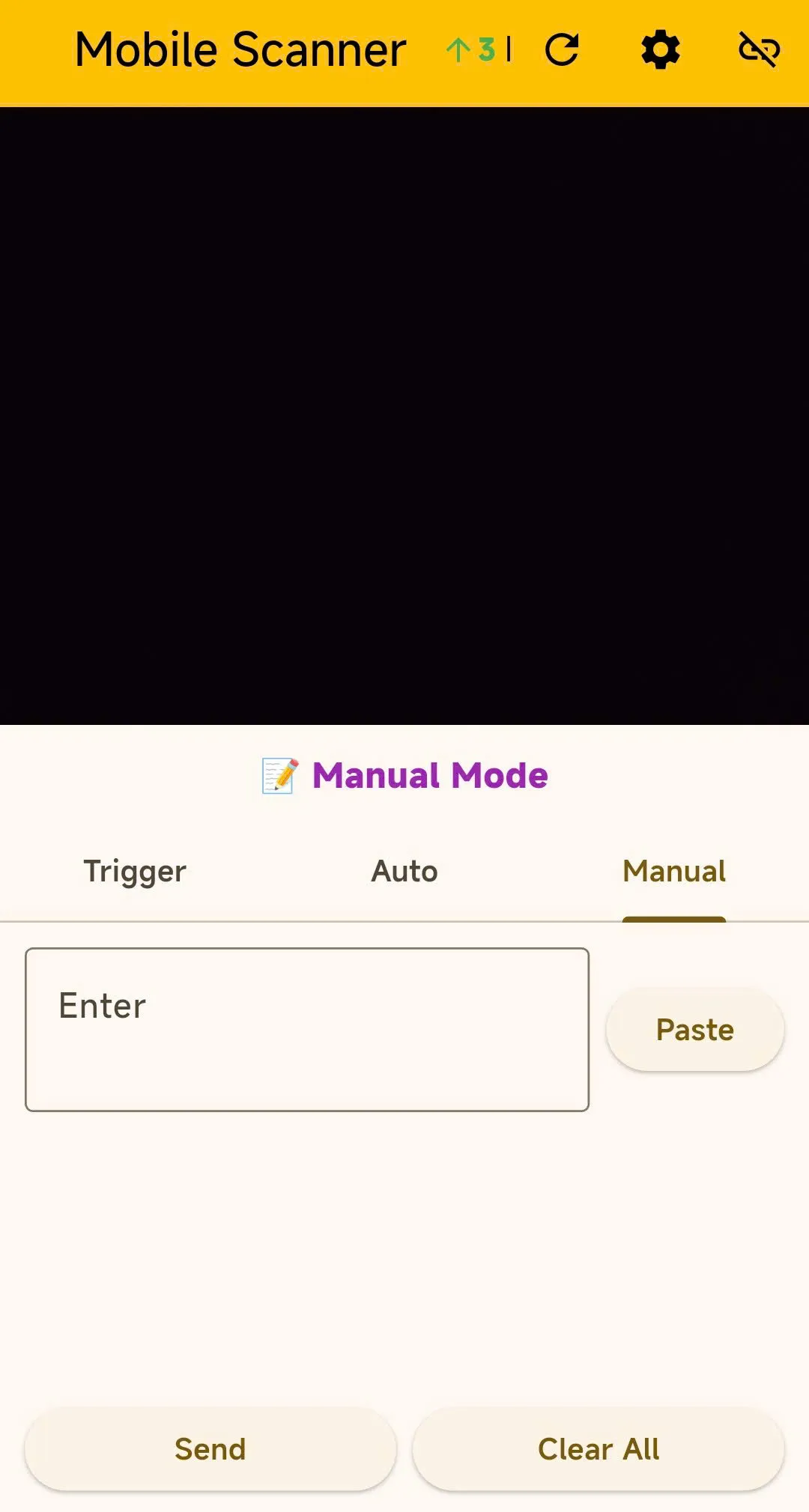
Point your camera at barcodes, QR codes, or document pages using Trigger, Auto, or Manual mode — no extra hardware needed.
See it on your PC
Scans land in the active window and documents are processed locally, ready to review, export as CSV, or save as searchable PDFs.
Features
Barcode & QR scanning
Reads Code128, Code39, EAN-13, UPC, PDF417, DataMatrix and more, with Trigger, Auto, and Manual scan modes for any workflow.
Document Scanner & OCR
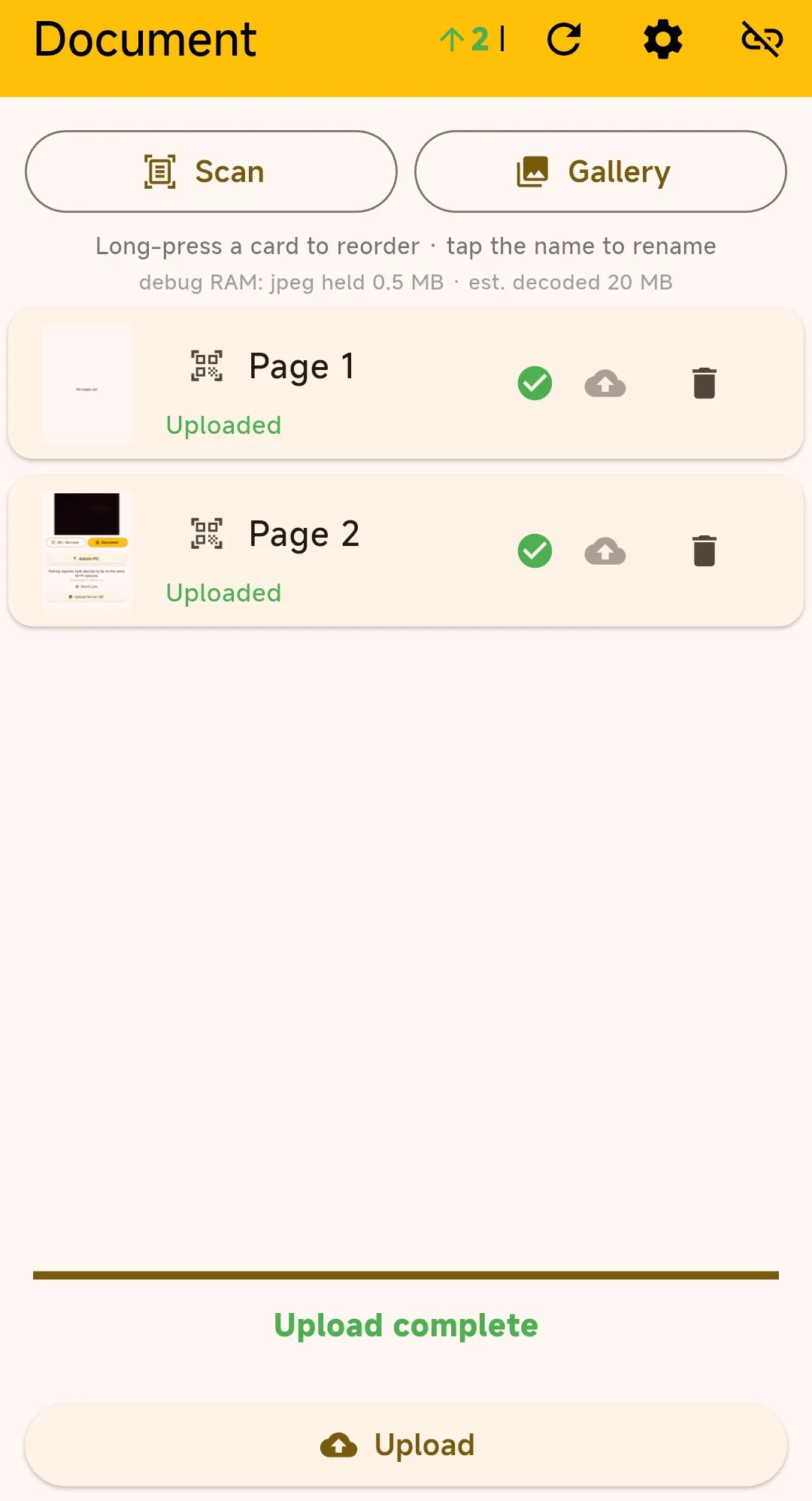
Capture single or multi-page documents, extract text with 21-language OCR in Fast and Quality modes, and create searchable PDFs.
Flexible output formats
Export documents as TXT, JSON, Markdown, HTML, or searchable PDF, and review or export scan history as CSV.
Local processing & device control
Documents are processed on your PC without cloud OCR, with device tracking and block or unblock controls for every phone.
Screenshots
Get Mobile Scanner
Free on Google Play and Windows. Install the PC server, pair your phone, and start scanning in minutes.